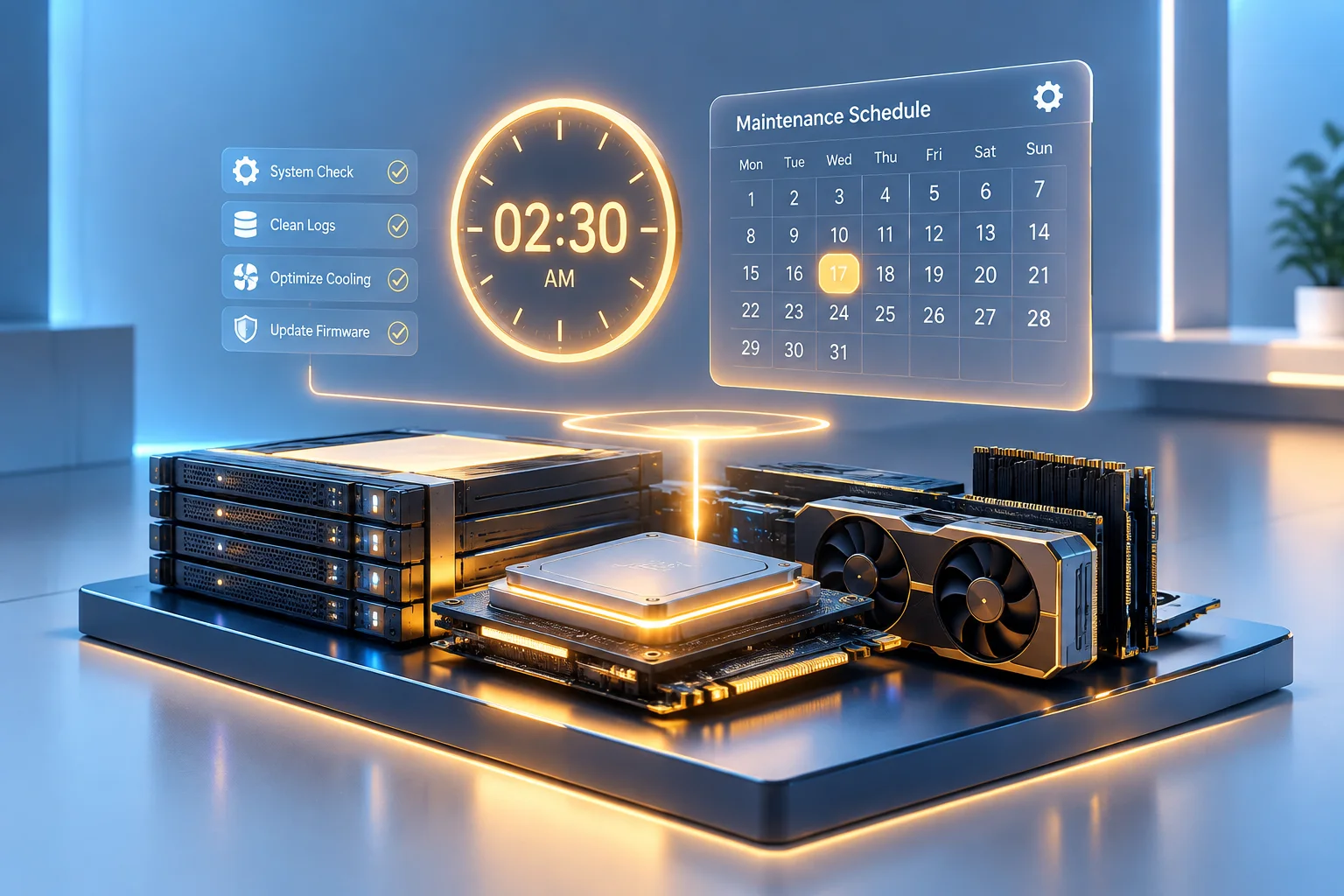
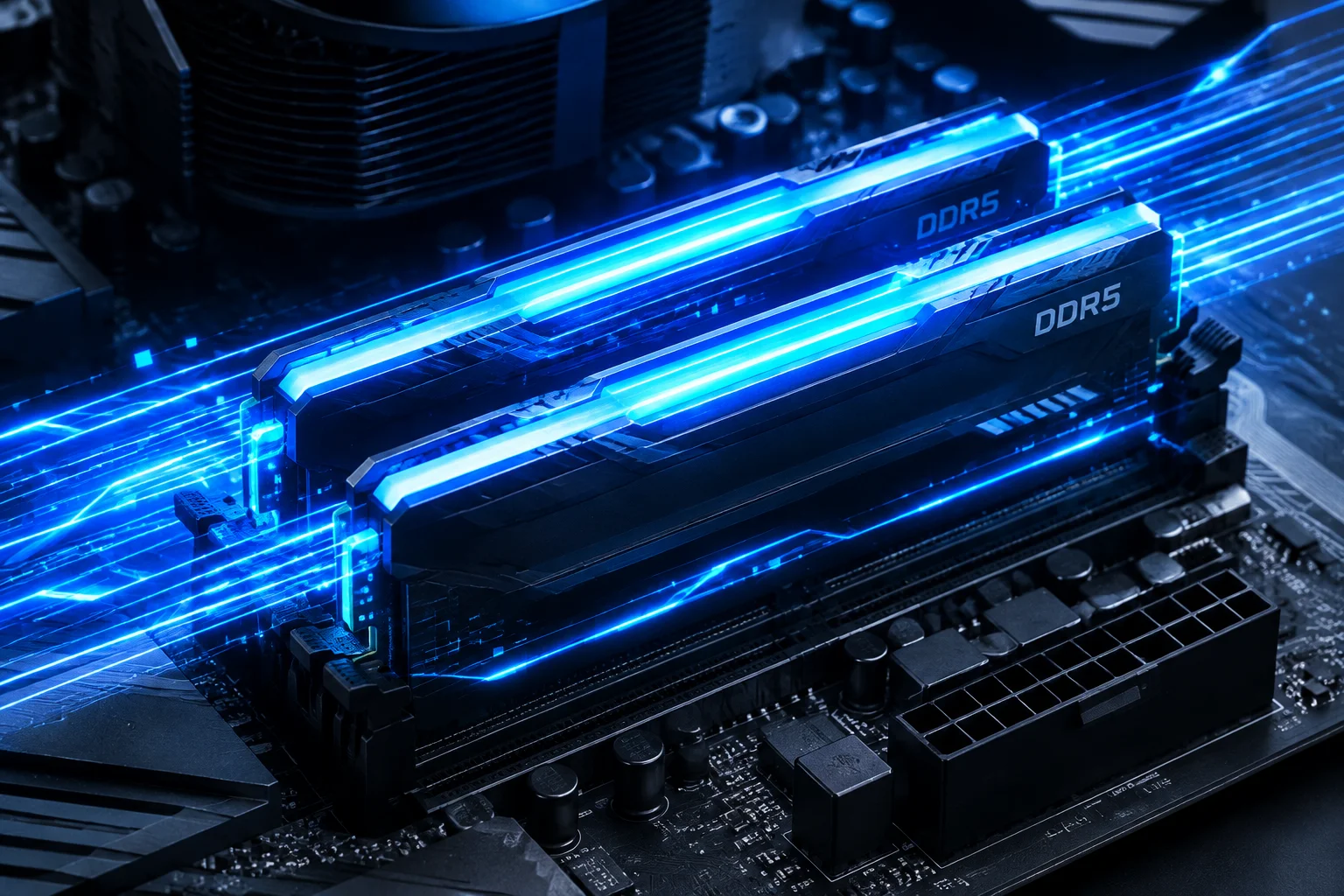
Engineered to eliminate system micro-stutters and input lag, our intelligent engine continuously learns running application priorities, reserving hardware power for demanding foreground tasks while curbing idle background drains.

Modern computing demands effortless multitasking, yet standard operating system schedulers often struggle when simultaneous heavy applications compete for memory channels and execution threads. AI Resource Management solves this by tracking telemetry patterns across CPU cores, identifying compute spikes before they lock the user interface.
The engine re-routes non-essential thread execution to efficient lower-priority states, freeing core cache buffers and system RAM for your active workspace. Your video renders, browser tabs, and gaming sessions run without unexpected frame drops or stalled windows.

Explore the inner mechanics of our optimization suite and discover how Cleane-pcc maintains system stability around the clock.
Detailed look into how the machine intelligence model controls threads, handles heap caching, and prevents thermal throttling.
Our algorithm monitors real-time thread contention on every logical processor. Whenever an interactive application requests immediate cycles, background worker threads are gracefully demoted in priority to eliminate input latency.
Instead of waiting for available RAM to plummet to critical limits, the AI engine evaluates working set churn and sweeps inactive cached pages into standby storage smoothly, preventing hard memory page faults.
By distributing processing loads away from stressed processor cores to cooler sections of the silicon die, the tool avoids thermal throttling plateaus during sustained export, compile, or render runs.
Optimally sorts threads between Performance and Efficient cores. Compute-heavy user processes stay locked to high-IPC cores, while passive services migrate to low-energy threads without dropping connections.
Keyboard and mouse events are granted an elevated execution lane so UI interaction never waits behind background worker pools. The shield activates automatically whenever sustained CPU saturation threatens input responsiveness.
Non-essential Windows services receive dynamic processor budgets that tighten during heavy foreground loads and relax when the workstation is idle, preventing silent background drain without permanently disabling anything.
Every monitored application can be assigned its own performance envelope. Profiles switch instantly on focus change, giving games and renderers full hardware access while browsers and chat clients run in balanced mode.