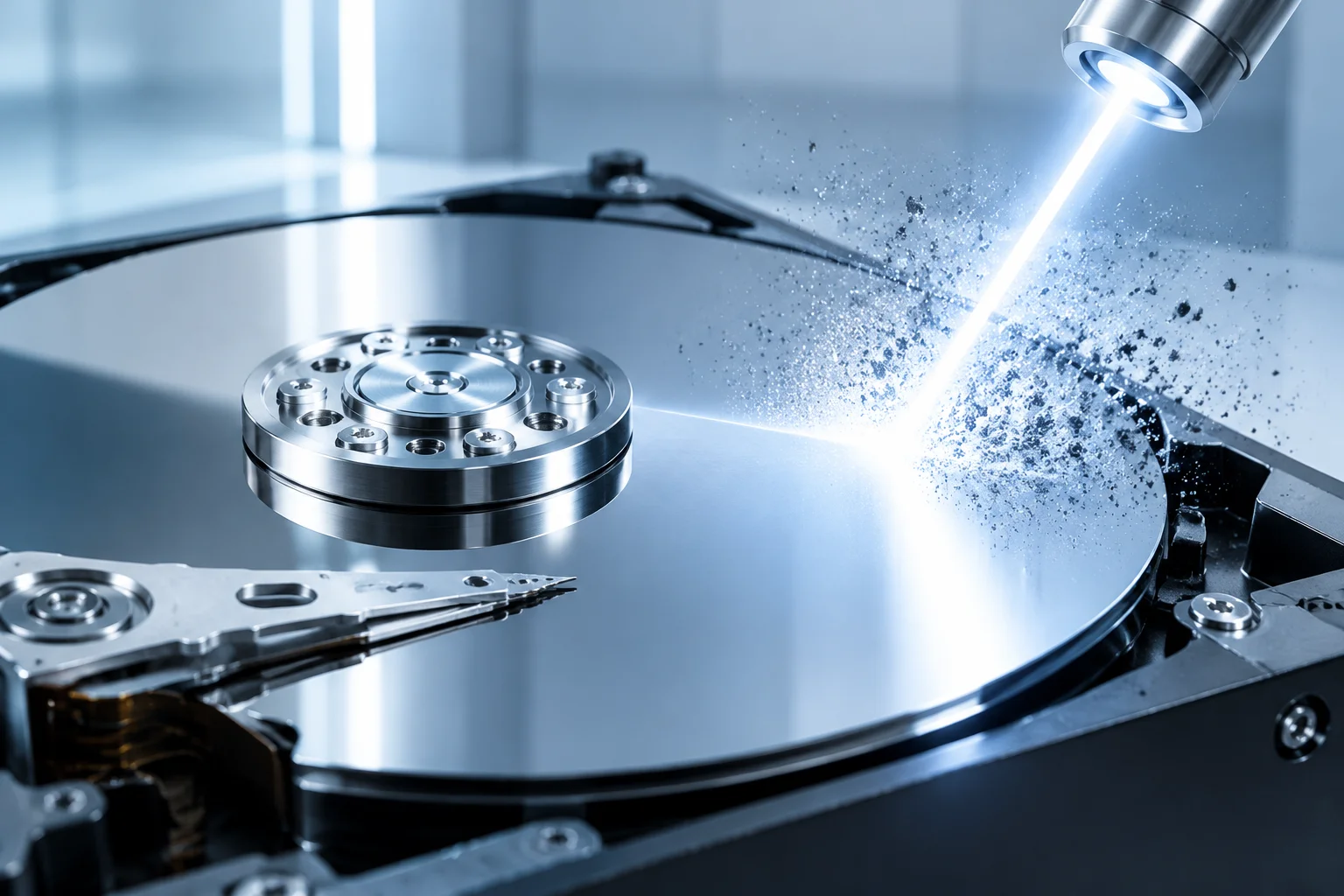
Windows accumulates gigabytes of orphaned update archives, shader caches, and diagnostic dump files over time. Our deep engine detects and safely purges locked temporary files without disrupting running services or active user profiles.
Modern operating systems silently retain remnants of every cumulative upgrade, crash analysis file, and browser staging repository. The Advanced Disk Cleanup engine deploys heuristic pattern matching to distinguish between vital operating dependencies and obsolete clutter, purging orphaned data safely.
While built-in utilities only scratch surface-level temporary folders, this module digs deep into hidden driver backup stores, shadow copies, Windows Installer patch caches, and DirectX shader pipelines to recover massive drive space instantly.
Run an automated analysis to identify how many gigabytes of forgotten cache data and duplicate installers can be safely removed today.
Explore the core mechanisms that prevent SSD wear and restore solid-state performance across your partitions.
The Windows Component Store retains superseding versions of OS payloads after cumulative updates. Cleane-pcc isolates retired manifest signatures and performs a targeted delta purge, freeing up to 12 GB of locked system partition space without invalidating restoration checkpoints.
Application crashes and kernel stop errors create minidump and full memory dump files that persist indefinitely in system trees. The disk cleaner parses live lock states, removes obsolete telemetry batches, and retains only active crash markers needed by administrators.
DirectX and Vulkan graphics pipelines build massive pipeline state caches that become corrupted or obsolete after driver revisions. Purging dead shader pools reduces stutter during gaming and clears hundreds of small fragmented files from NVMe drives.
Peer-to-peer Windows Update Delivery Optimization files and interrupted installer bundles linger in hidden cache directories. Our scanner validates file signatures against digital store catalogs, safely terminating orphan references and scrubbing abandoned chunks.
Accumulated browser session stores, expired service-worker caches, and orphaned extension databases silently degrade page-load speed. The cleanup engine isolates stale profile data across installed browsers while preserving active sessions, saved credentials, and open tabs.
Every cumulative update leaves rollback payloads inside the SoftwareDistribution tree that are rarely purged by the OS. The scanner verifies which backup manifests are still required for safe uninstall paths, then removes only the superseded packages.
Downloaded setup bundles and archived media frequently exist in several copies across user directories. A fingerprint-matching pass detects byte-identical duplicates, keeps the newest revision, and flags redundant copies for one-click removal.