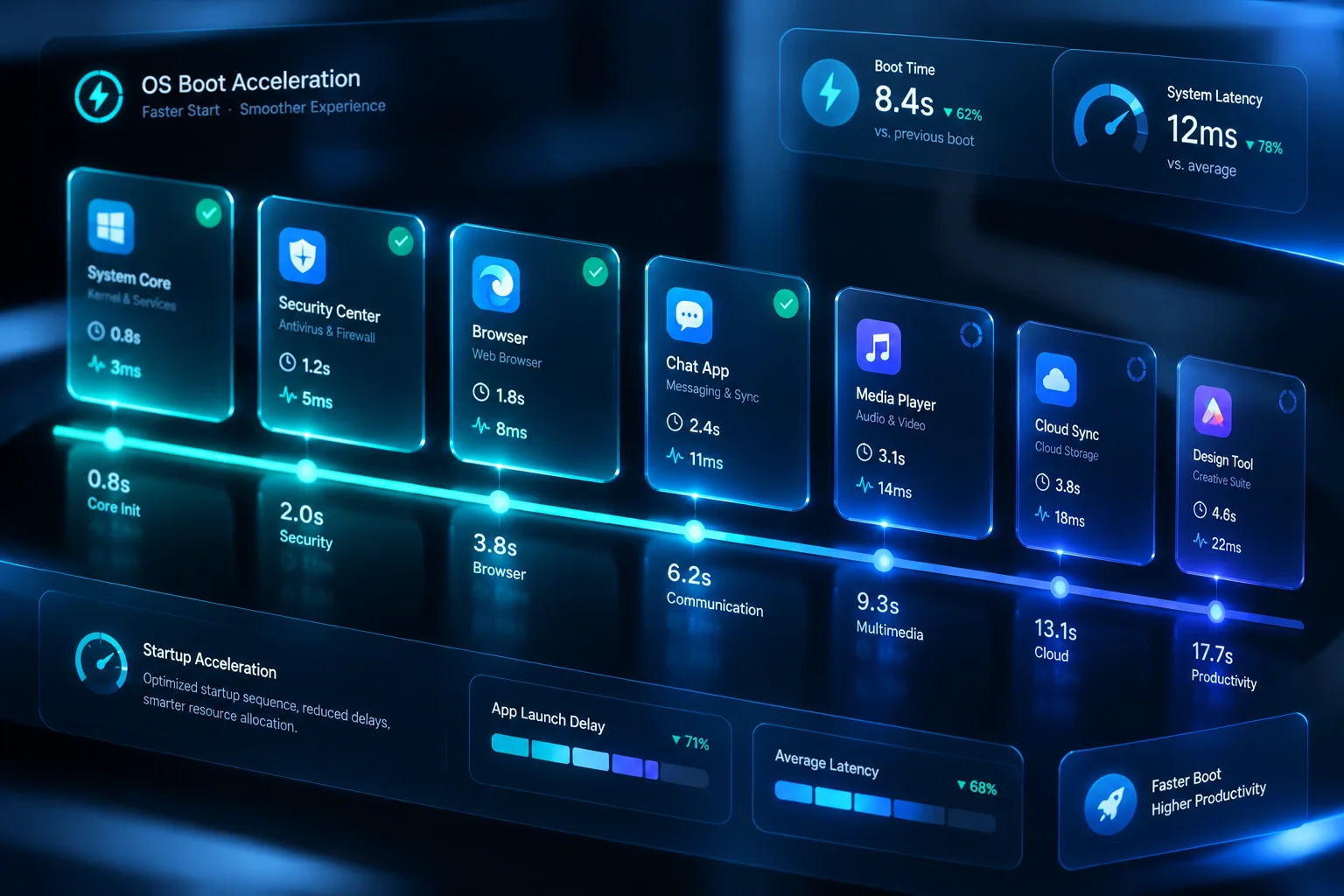
Take absolute control over programs trying to launch when your computer powers on. The Startup Application Manager identifies delayed boot entries, isolates high-impact background agents, and trims startup load without breaking system services.
Every utility installed on modern operating systems tends to register helper tasks, update checkers, and silent tray daemons. Over time, these cumulative autostart items saturate CPU threads and monopolize storage read cycles long before the desktop becomes responsive. Startup Application Manager catalogs every autostart trigger across Registry run keys, scheduled system tasks, and shell startup directories into a unified, transparent view.
Instead of blindly disabling critical drivers or system components, the manager grades each startup entry using hardware impact telemetry. Users can safely disable telemetry updaters, stagger heavier productivity software through delayed launch queues, and guarantee that core workflow tools run smoothly without dragging down initial machine startup.
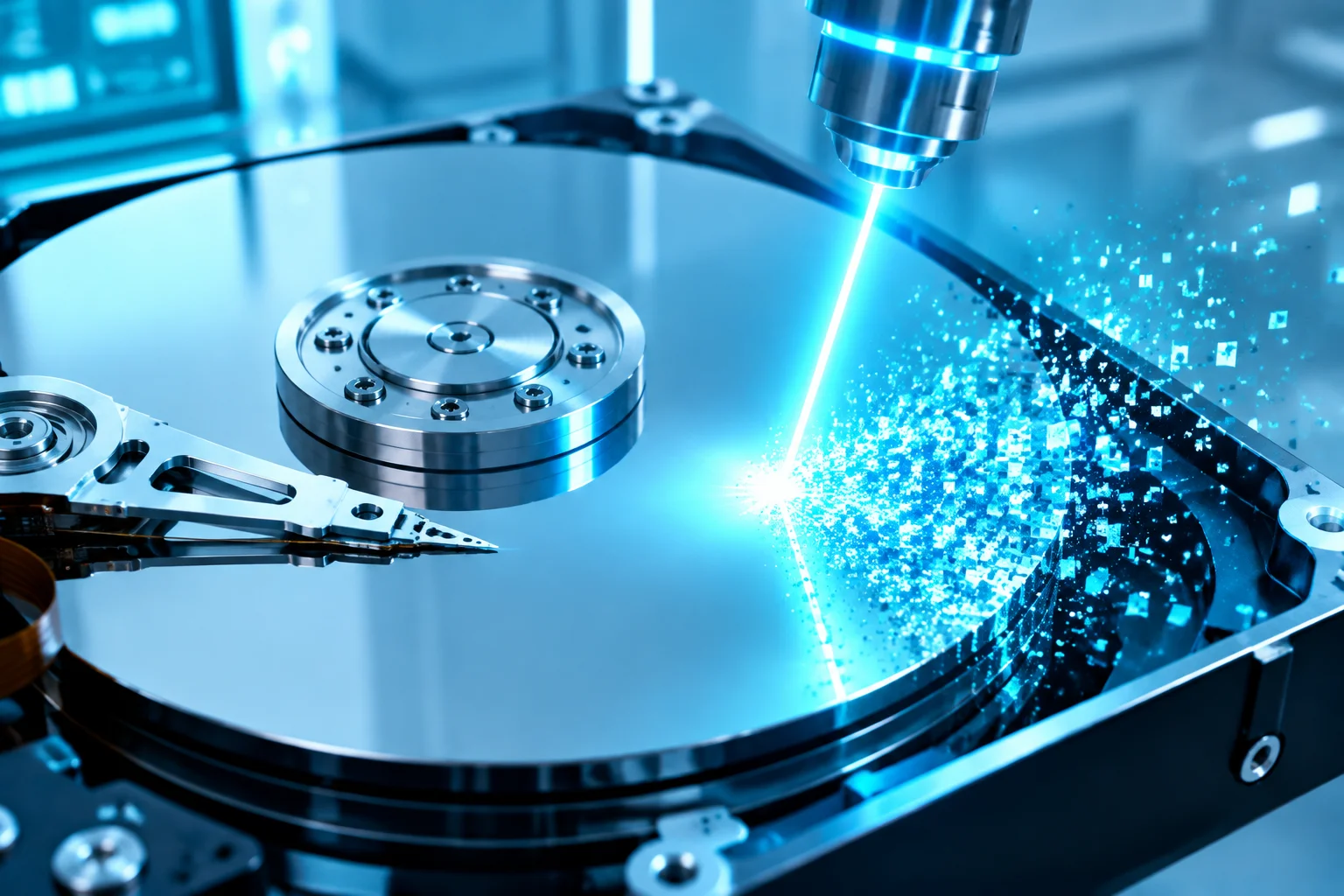
Discover how Cleane-pcc combines startup tuning, memory defragmentation, and disk hygiene into one lightweight suite.
Explore how our startup analyzer tracks background hooks, balances CPU loads during logon, and safeguards essential system components.
Standard system utilities often fail to reveal entries buried deep within task schedulers or vendor-specific startup services. Startup Application Manager consolidates HKLM, HKCU, standard Startup folders, Active Setup nodes, and scheduled logon events into a cohesive management console.
Not all background software needs to launch at second zero. Our sequencing engine introduces calibrated post-boot delays, allowing heavy desktop suites, cloud synchronization utilities, and chat clients to initialize gradually after system critical services settle.
Using execution telemetry and disk I/O metrics, the manager assigns an objective resource tax score to each program. You can immediately pinpoint which background service adds seconds to login and causes high disk utilization during boot.
Making adjustments is completely risk-free. Whenever an autostart item is toggled, disabled, or reassigned to a delayed queue, our manager generates an encrypted registry snapshot allowing seamless one-click restoration.
Every auto-start entry receives a measured impact score built from disk I/O, CPU burst, and launch-order delay. Scores surface the worst offenders so users can disable what actually slows the boot sequence.
Rather than disabling tools outright, entries can be assigned staggered launch delays. Critical utilities start immediately while updaters and helpers queue behind, eliminating the classic post-login freeze.
Before committing a change, users can simulate a boot without a given entry. The dry-run preview projects expected startup-time savings and flags any dependent tools that would lose functionality.