Benchmarking Bandwidth Without External Overhead
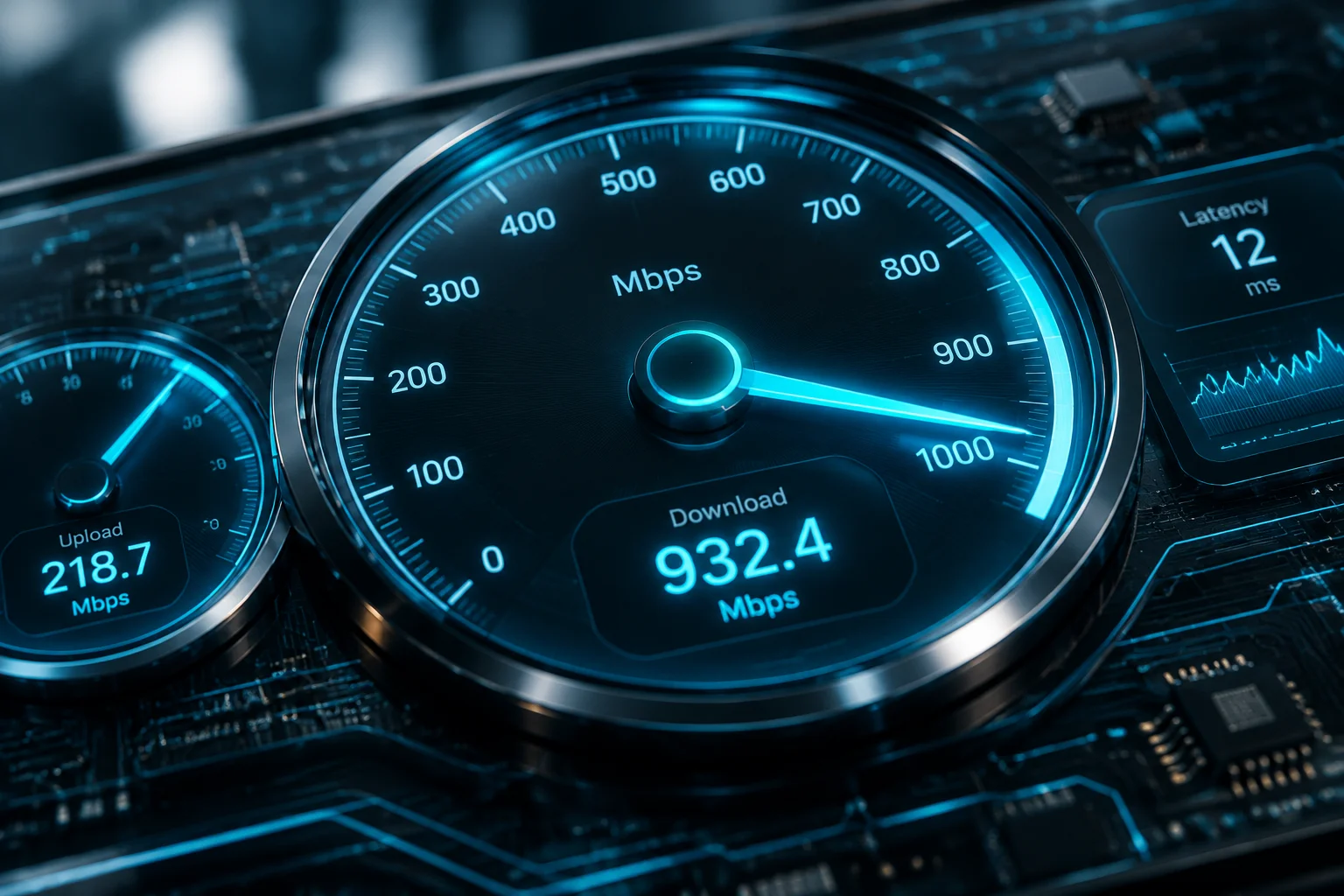
Web-based speed testing utilities often run dozens of external scripts, analytic trackers, and heavy visual effects that place unnecessary burden on the CPU. The integrated speed test performs socket-level data transmission directly through the operating system network adapter, isolating true broadband capability from browser interference.
Core Architectural Highlights
-
01
Socket-Level Multi-Threading Distributes synthetic packet streams across multiple execution threads without incurring DOM rendering delays or garbage collection spikes.
-
02
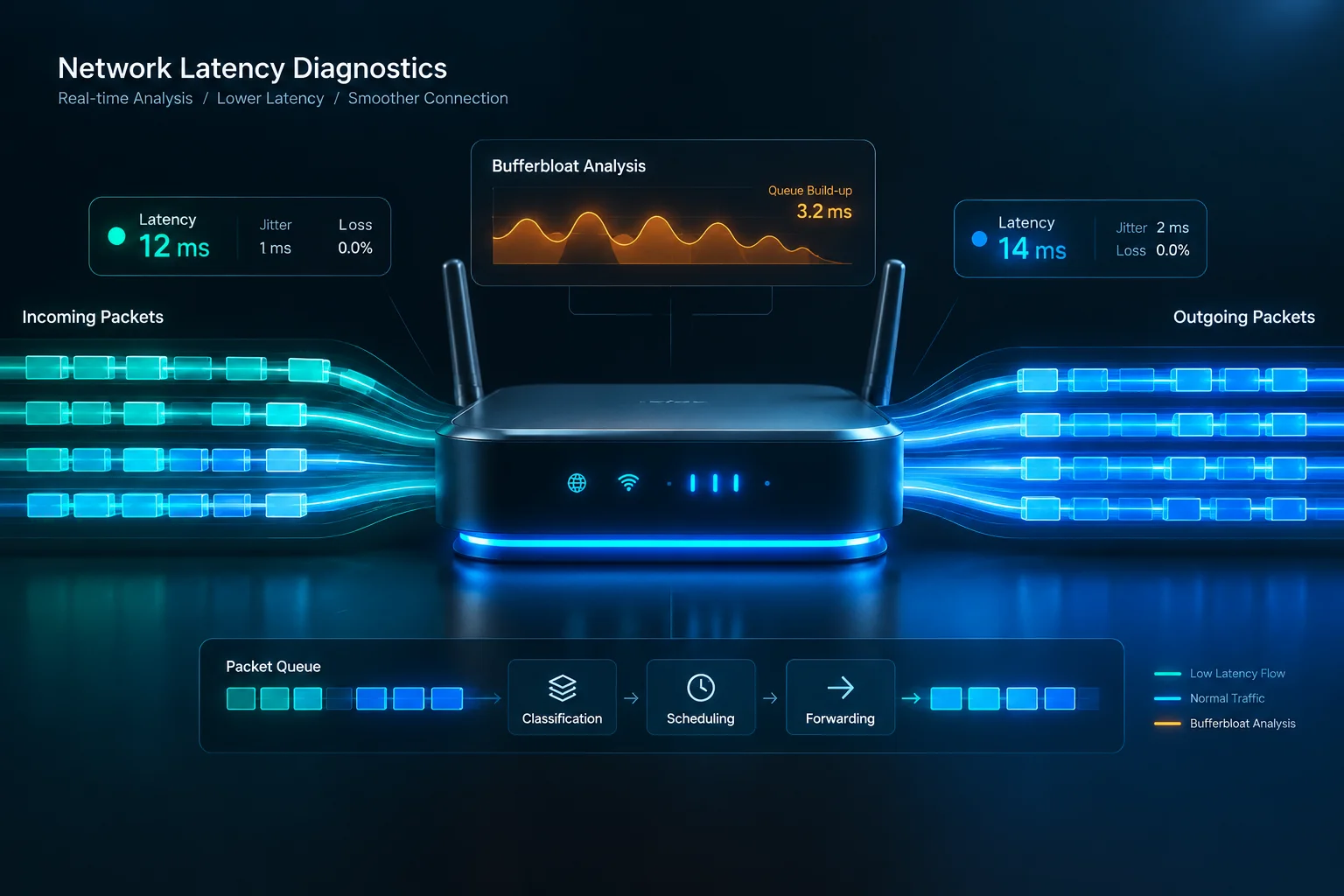
Loaded Latency and Bufferbloat Detection Continuously monitors response round trips during sustained peak uploads to expose local router queue overflows before packet drops occur.
-
03
Zero-Footprint Execution Lifecycle Cleans up socket allocations immediately upon test completion, running purely on-demand with zero lingering background telemetry services.
Maximize System Throughput & Latency
Complement native network metrics with Cleane-pcc automated background process controls to eliminate hidden bandwidth hogs.
Diagnostic Benchmark Profile
Verified performance metrics captured across gigabit fiber connections and multi-gigabit local area switches.
| Parameter / Metric | Specification / Status | System Impact |
|---|---|---|
| Diagnostic Engine Driver | Native NDIS Offload | Reduces host processor interrupts during full saturation tests |
| Peak Bandwidth Cap | Up to 10 Gbps | Accurately saturates high-speed enterprise and fiber interfaces |
| Bufferbloat Margin | ± 2.1 ms Variance | Pinpoints congested router queues under concurrent upload pressure |
| CPU Overhead During Run | < 0.8% Usage | Ensures background software tasks experience no frame drops |
| Execution Cycle Time | 12 Seconds Total | Delivers complete diagnostic findings with prompt socket teardown |
Why Browserless Speed Evaluation Delivers Cleaner Telemetry
Conventional broadband speed indicators function within the browser sandbox, which introduces several layers of unpredictable friction. The JavaScript virtual machine must decode incoming payload chunks, handle memory reassignment, and render dynamic dials on the screen. On modest hardware, these auxiliary tasks distort ping calculations and artificially throttle measured download ceilings.
By routing benchmarking payloads directly through the operating system network stack, the diagnostic utility captures accurate round-trip times and reliable TCP window scaling behavior. This approach provides users with verified figures that reflect actual hardware performance rather than browser resource constraints.
"Testing throughput at the driver boundary strips away web renderer variance, presenting raw packet flow that systems administrators can trust unconditionally."
Bufferbloat Diagnosis and QoS Coordination
A primary cause of perceived lag during active downloads is bufferbloat, which develops when consumer networking equipment accumulates packets in internal memory rather than forwarding them promptly. The built-in benchmark applies simultaneous upstream stress while calculating latency drift, producing an accurate grade of router queue health. Users can quickly determine whether unexpected lag spikes arise from Internet service provider issues or local network queuing defaults.
Frequently Asked Questions
Web speed tests rely on browser engines burdened by active extensions, DOM redraws, and ad content that introduce processing delays. The native system tool communicates directly with kernel network drivers, delivering undistorted throughput and latency statistics.
No. The diagnostic operates strictly on-demand. When the testing sequence ends, the assigned network sockets close immediately and memory is freed, leaving zero background services running.
Yes. The utility verifies hop latency between your local computer and the default gateway prior to testing external endpoints. If local latency rises during testing, the bottleneck originates within the local wireless setup rather than your internet service provider.
Related Articles


Reader Discussion
No comments yet. Be the first to leave a comment.