
01
Automated
AI Resource Management
Smart execution logic allocates processing priority instantly to active workflows while reducing idle overhead.
Cleane-pcc delivers automated workspace maintenance, real-time memory balancing, and intelligent background activity tuning to keep your workstation operating seamlessly.
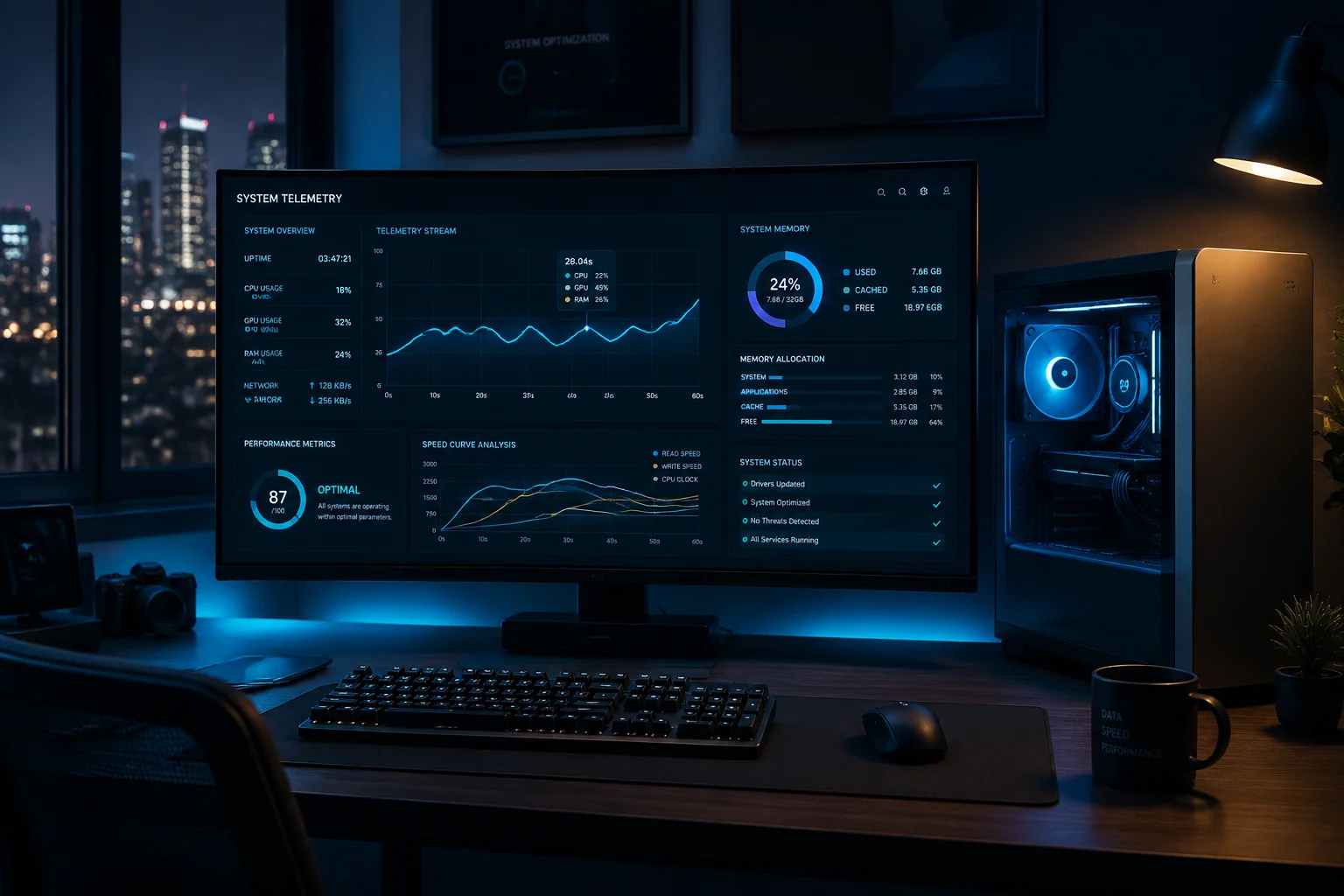
Smart execution logic allocates processing priority instantly to active workflows while reducing idle overhead.
Configure custom routine diagnostics and cleanup triggers during downtime to prevent performance degradation.
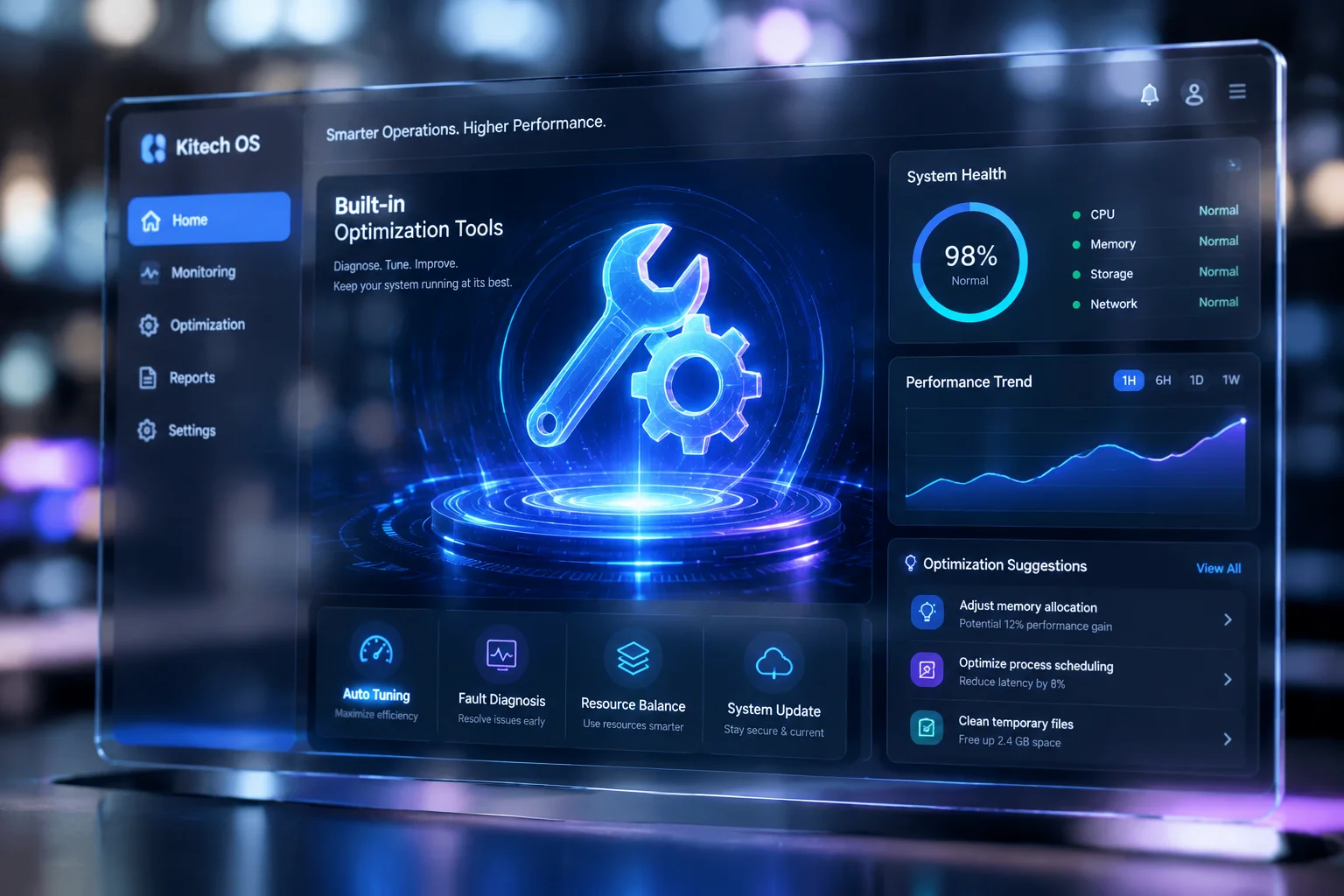
Comprehensive internal calibration utilities built to tune drive throughput and operating latency seamlessly.
Eliminate obsolete cache, residual installation packages, and redundant temporary files safely in seconds.
Cleane-pcc delivers lightweight personal computer optimization across four key operating continents through redundant telemetry nodes and autonomous edge dispatching.
Over 48 regional data distribution points maintain low latency optimization updates worldwide.
Client workstations synchronize optimization rules directly without requiring intrusive manual sessions.
All remote diagnostic definitions use zero-knowledge transport to protect device telemetry.
Select a territory to review regional deployment speed, active relay clusters, and remote operational protocols.

Cleane-pcc maintains complete autonomy without requiring invasive screen sharing or remote desktop handovers. Our software functions through automated local execution powered by synchronized global profiles.
Investing in PC maintenance software should bring undeniable clarity and measurable system agility. Here is how Cleane-pcc eliminates complexity, respects your schedule, and guarantees continuous efficiency without demanding daily attention.
Set up your optimization routine once. The engine runs quiet maintenance during idle moments without consuming battery or disrupting active tasks.

Safely delay heavy background launchers and reclaim your boot times through verified load scheduling.
Default system utilities only remove basic temporary caches. Cleane-pcc performs deep residue scrubbing, manages memory contention across processes, and optimizes launch queues while leaving personal configuration files and valuable user caches untouched.
Never. The built-in maintenance scheduler operates autonomously during idle periods or user-defined off-peak hours. It automatically suspends itself if demanding applications or games launch, preserving 100% of your machine resources for current priorities.
Cleane-pcc features clear single-click actions and transparent impact previews. Every feature comes with safe pre-configured presets, clear plain-language descriptions, and full undo safeguards so you never have to adjust intricate system terminal flags.
Every license includes comprehensive walk-through documentation and direct access to our responsive assistance team. You can reach out whenever you want guidance regarding custom performance profiles or automated schedule configurations.
Absolutely. Cleane-pcc analyzes file metadata and system signatures locally on your machine. No documents, photos, or personal file contents are ever uploaded, and every cleanup candidate passes through a whitelist verification layer before removal.
No. The engine runs on a footprint under 30 MB of RAM with less than 0.5% average CPU overhead. On older hardware it typically delivers the most noticeable gains, since removing accumulated startup load and disk clutter restores the responsiveness the machine originally had.
Yes. Every optimization pass creates an automatic restore checkpoint before applying changes. You can roll back any individual action or a full maintenance session in one click, so experimenting with performance profiles carries zero permanent risk.
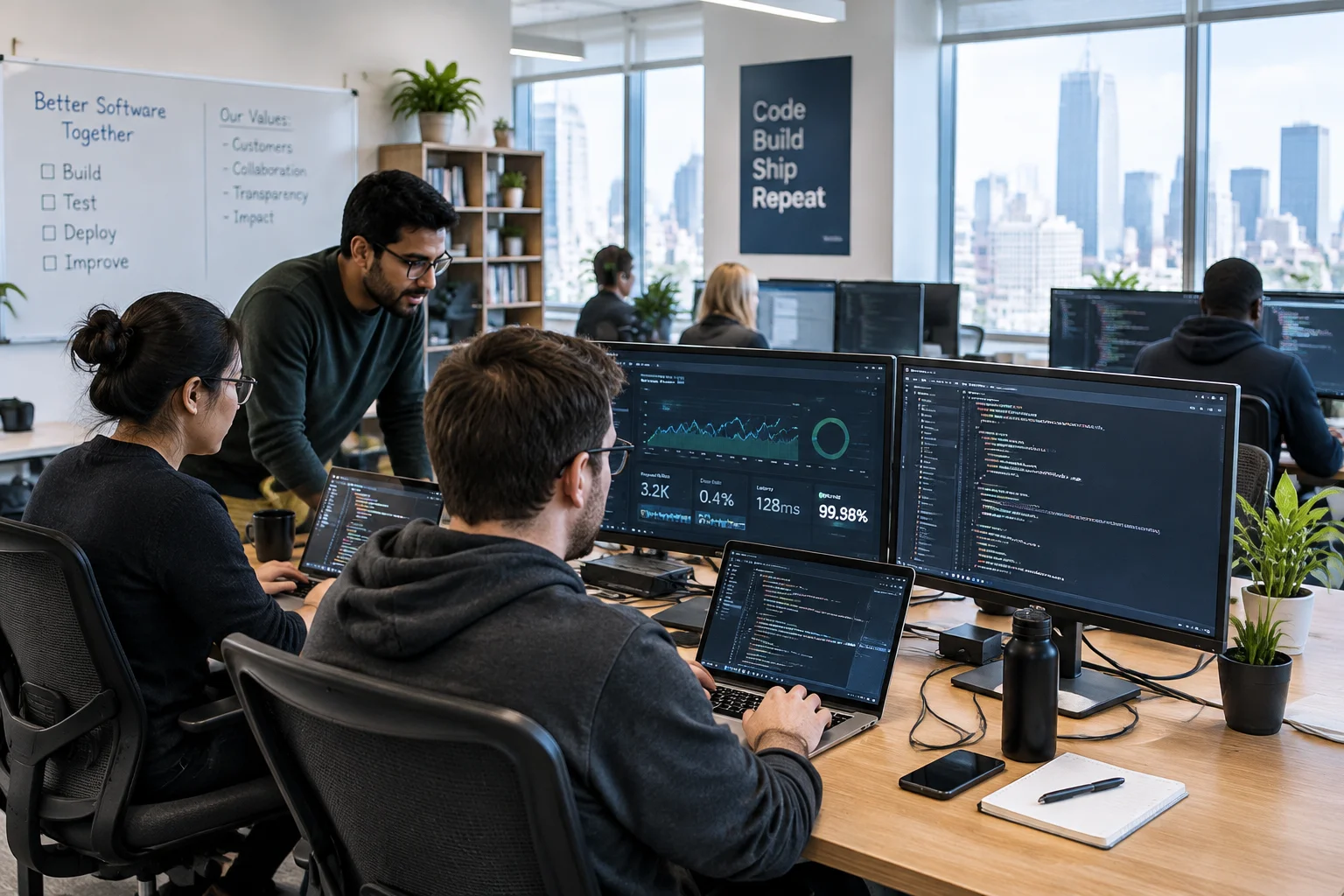
Our core developers continuously benchmark system execution pipelines across diverse hardware profiles to eliminate background latency without compromising system stability.

Every single routine undergoes multi-peer verification before release build integration.
Evaluating heap allocation and thermal stress metrics across multiple device tiers in our real-device testing rack.
Creating zero-risk deletion algorithms ensuring temporary files and cached logs are safely pruned without file-system conflicts.
Ensuring our memory compaction utilities stay fully harmonized with official system service updates and kernel patches.
Get the complete, step-by-step diagnostic guide used by hardware specialists to uncover resource bottlenecks, stop idle background drain, and recover peak operating speeds without unnecessary software.
A curated checklist to spot delayed launch items, orphaned startup entries, and silent boot-time services that prolong desktop initialization.
Identify obsolete update caches, redundant temporary log packages, and hidden shader caches that quietly consume gigabytes on solid-state drives.
Clear steps to diagnose hardware-reserved memory issues, excessive pagefile paging, and background processes hogging multi-core bandwidth.
Hardware-safe tuning guidelines covering interrupt moderation, storage controller parameters, and balanced visual responsiveness options.
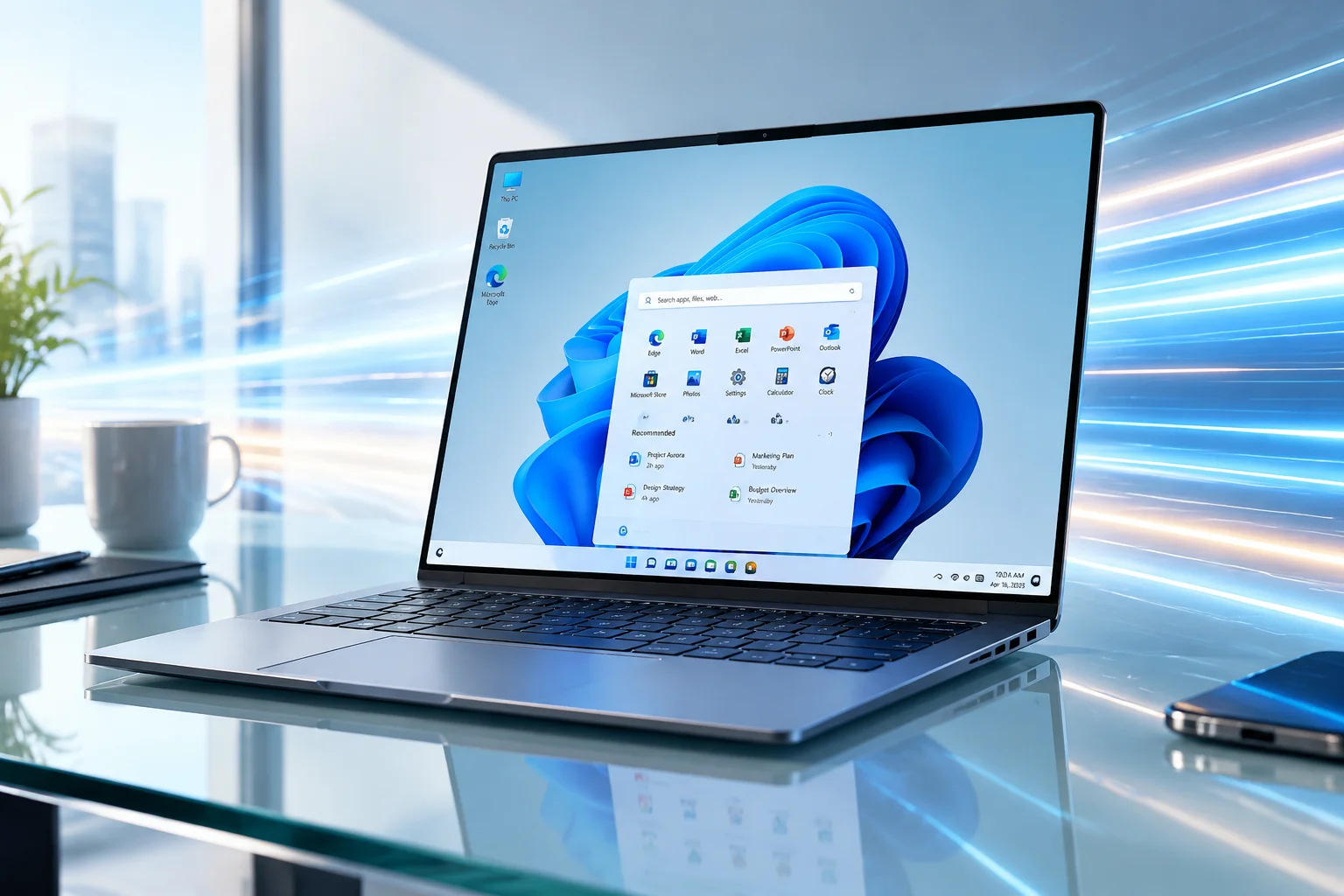
Discover the newly integrated low-latency profiles, architecture overhauls, and deep execution tweaks designed to maximize modern hardware productivity.

A detailed technical breakdown of monthly platform updates, kernel stability rectifications, and smart system resource balancing refinements.
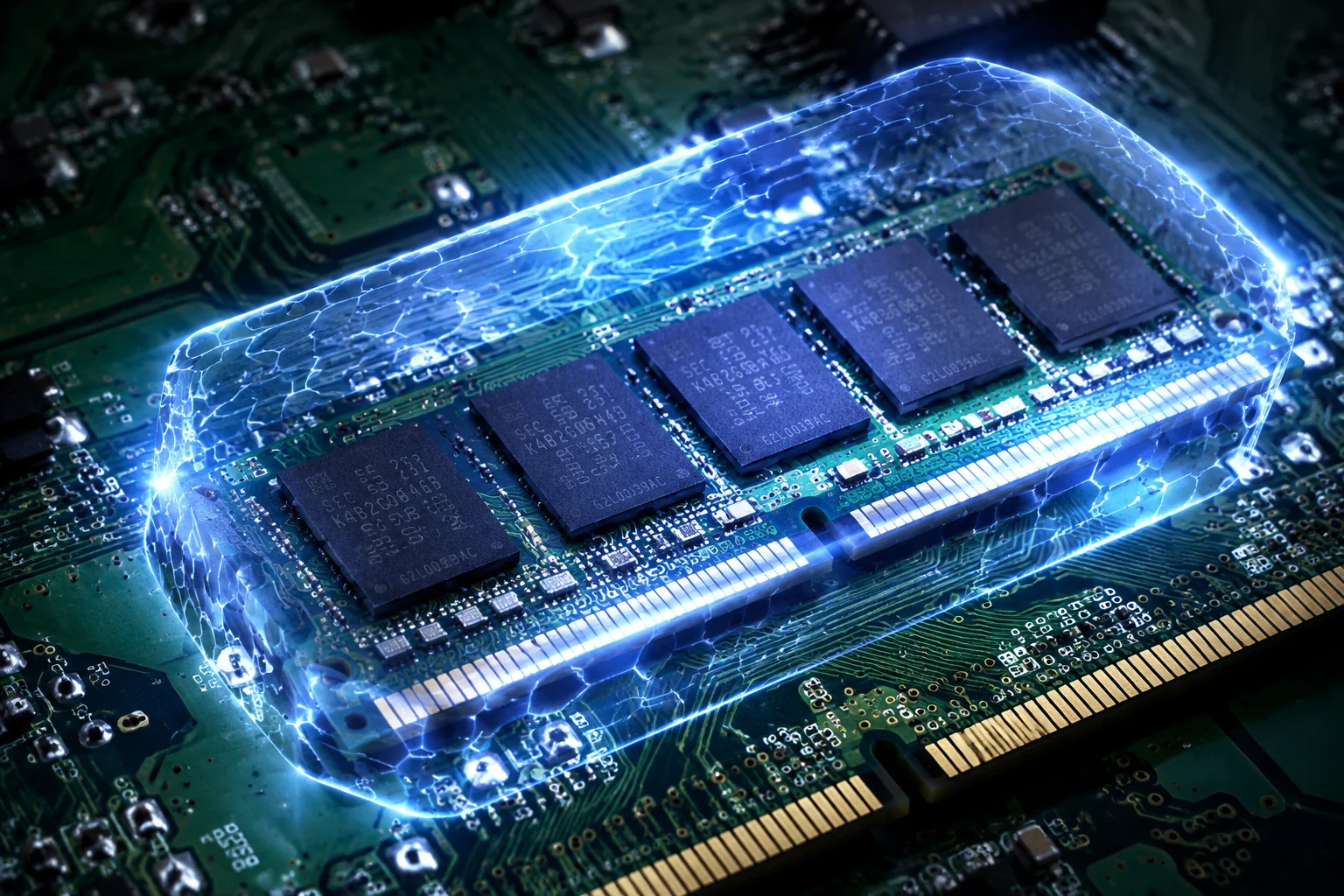
Analyzing how hypervisor-enforced memory isolation influences background computation bandwidth and steps to maintain maximum gaming efficiency.